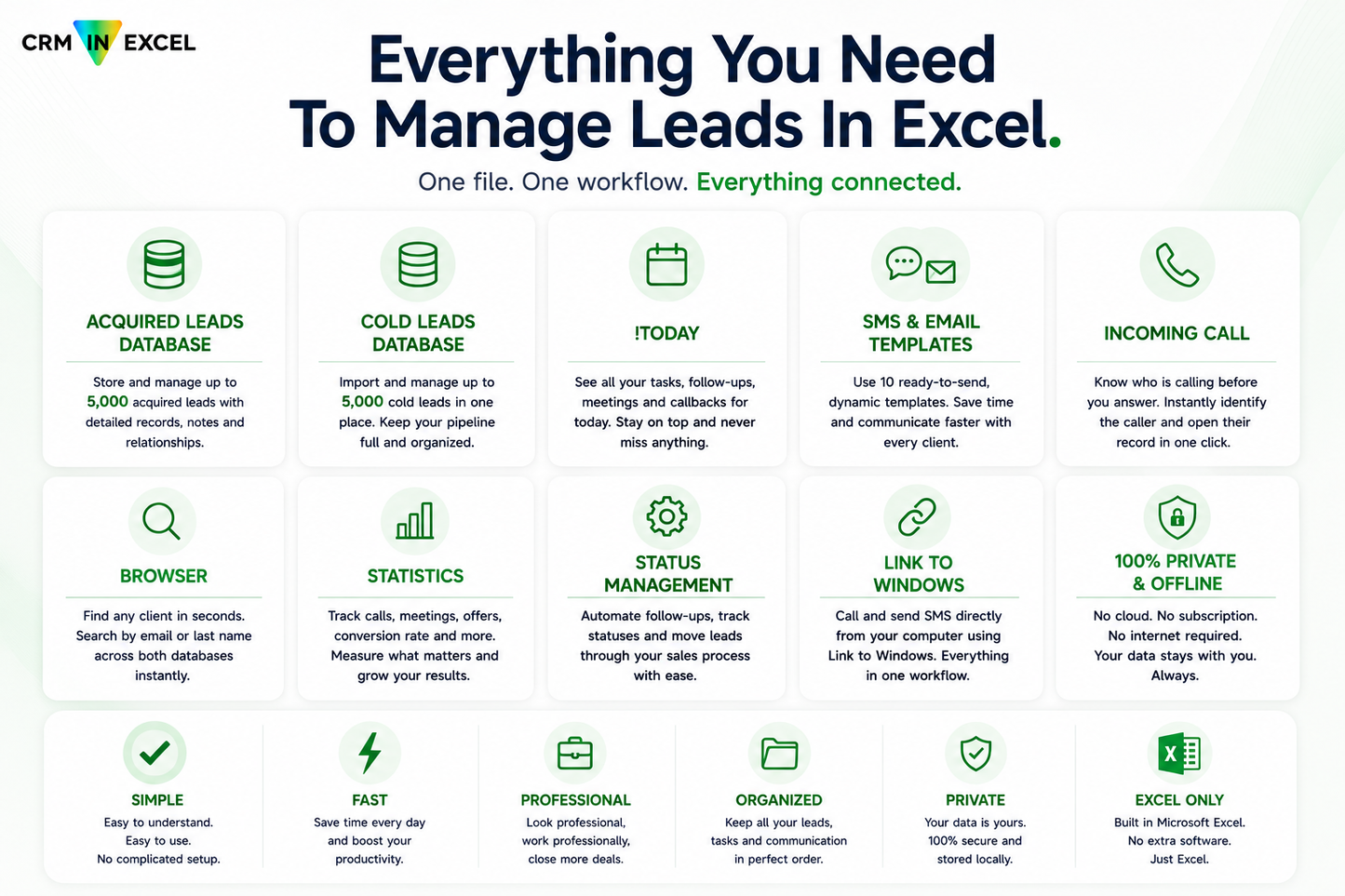
CRM in Excel is an offline CRM for Windows built inside a single Microsoft Excel file: one payment, no subscription, and a client database of up to 5,000 acquired and 5,000 cold contacts that stays on your computer.
The day list watches 18 scenarios, so you do not have to
Every morning the file opens with one list: who to call today, who you are meeting, and what slipped. You never build this list yourself. It builds itself, from every status and every date in your database.
A client did not pick up on Tuesday? He is back on your list on the day you chose in settings. A meeting is tomorrow? The reminder is already on today's list. A client asked you to call in March? That morning he is there, with your note next to his number. The file watches 18 situations like these, across both databases at once:
-
8 call scenarios: four call statuses (no answer, voicemail reached, line busy, potential client), each shown on the day it is due and kept on the list once it is overdue. You set the return interval per status once, in settings.
-
6 meeting scenarios: online and in-person meetings, each shown on the day, the day before as a reminder, and after the date if something slipped.
-
4 manually scheduled contacts: callbacks a client asked for and follow-ups you planned, on the exact date you typed in, visible that day and kept visible after it.
The list does not just highlight a row. It writes the next move and counts down to it: CALL IN 2h 15m, MEETING IN 45m. And when nothing is due today, that is an answer too: your day is done. Only tomorrow's meeting reminders stay on screen, on purpose.
What a free template cannot do
A free spreadsheet template is storage: rows, columns, contacts. It does not tell you who to call today. At 300 contacts, "call him in two weeks" turns into searching, scrolling and colouring cells by hand, every single morning.
CRM in Excel does that work for you. Behind the day list alone sit 50,000 formula cells; the longest single formula is 7,439 characters long. More than 30 sheets work together so that your morning starts with answers, not with a search. You could build this yourself in Excel; it took me six versions and a few hundred hours.
One payment, about a month of a typical CRM subscription
You pay once and the file is yours. The price in your currency is on the buy button and at checkout. No monthly fees, no account, no renewal date.
What you get:
- The CRM in Excel workbook (.xlsm) for Windows: room for 5,000 acquired and 5,000 cold contacts
- A step-by-step PDF Guidebook covering setup and daily work
- The Date Picker add-in used for the date fields, included in the same download
- Access to the private support group, where I answer questions myself
- Updates within the purchased product version
The file is digital and reaches you the moment you pay. You download it right after checkout, together with the PDF Guidebook and the Date Picker add-in. What applies after the purchase is set out in the refund policy.
You stay in control
The file prepares your work; it never acts on its own. It does not send emails or text messages by itself, it does not contact anyone, and it runs nothing in the background. It gets the message ready; you press send. You decide when to call and what happens next.
Two databases, 14 statuses, and callers you find in seconds
Acquired clients and cold contacts live in two separate databases, up to 5,000 records each. Every contact carries one of 14 statuses plus notes and dates; 8 of those statuses feed the day list on their own.
When someone calls you back, you type the number into the search and the file finds the person, in either database, whether the number was saved with the country code (+…), with the 00 prefix, or in local format. Search by last name or email works the same way.
Also inside:
- Editable SMS and email templates, universal and gender-specific; sending is always done by you
- Weekly and monthly call statistics, already counted
- Filters for both databases
Faster with Microsoft Phone Link
Pair your phone with Windows once, and it can stay on the desk while you call and text from the computer. Optional, but with dozens of calls a day the saved time shows. The file works fully without it.
Your data stays on your computer
The file works offline and sends nothing to the internet. Client records live inside your Excel file, on your disk: no cloud account, no external servers, no third-party database. Even the licence check runs locally. You back the file up like any other document you own.
Setup takes about an hour, once
Enable macros, install the Date Picker add-in from the download, enter your details, adjust the message templates, import your contacts. The Guidebook covers every step; plan about an hour of quiet work. After that the file simply opens, with your day already sorted.
Requirements
- Windows 10 or Windows 11. macOS is not supported.
- Licensed Microsoft Excel 2016 or newer; Excel 2021 or Microsoft 365 recommended
- Basic Excel skills: copy and paste, editing cells, entering dates
- Optional: pairing your phone with the computer through Microsoft Phone Link, if you want to call and text from the keyboard
When this is not the right tool
If you run a team that works in parallel, need your CRM on your phone, or want it talking to your calendar and mailbox, a cloud CRM will serve you better. CRM in Excel is one file for one person who calls, meets and closes.
You are not left alone with it
I use CRM in Excel myself, in my own sales work, and I keep improving it: the file has been through six versions, and the latest update shipped in July 2026. In the private support group I answer questions and collect feedback personally.