

Top 5 Pipedrive.com CRM Alternatives 2026
Losing leads, missing follow-ups, and tracking customers in too many places can cost sales for business owners and sales professionals. Paid CRM options limit control when features hide behind subscriptions or when data stays online without an offline backup. These five Pipedrive.com alternatives give you a clear look at price, data ownership, and ease of use so you can match the right CRM to your budget and workflow.
Table of Contents
CRM in Excel
At a Glance
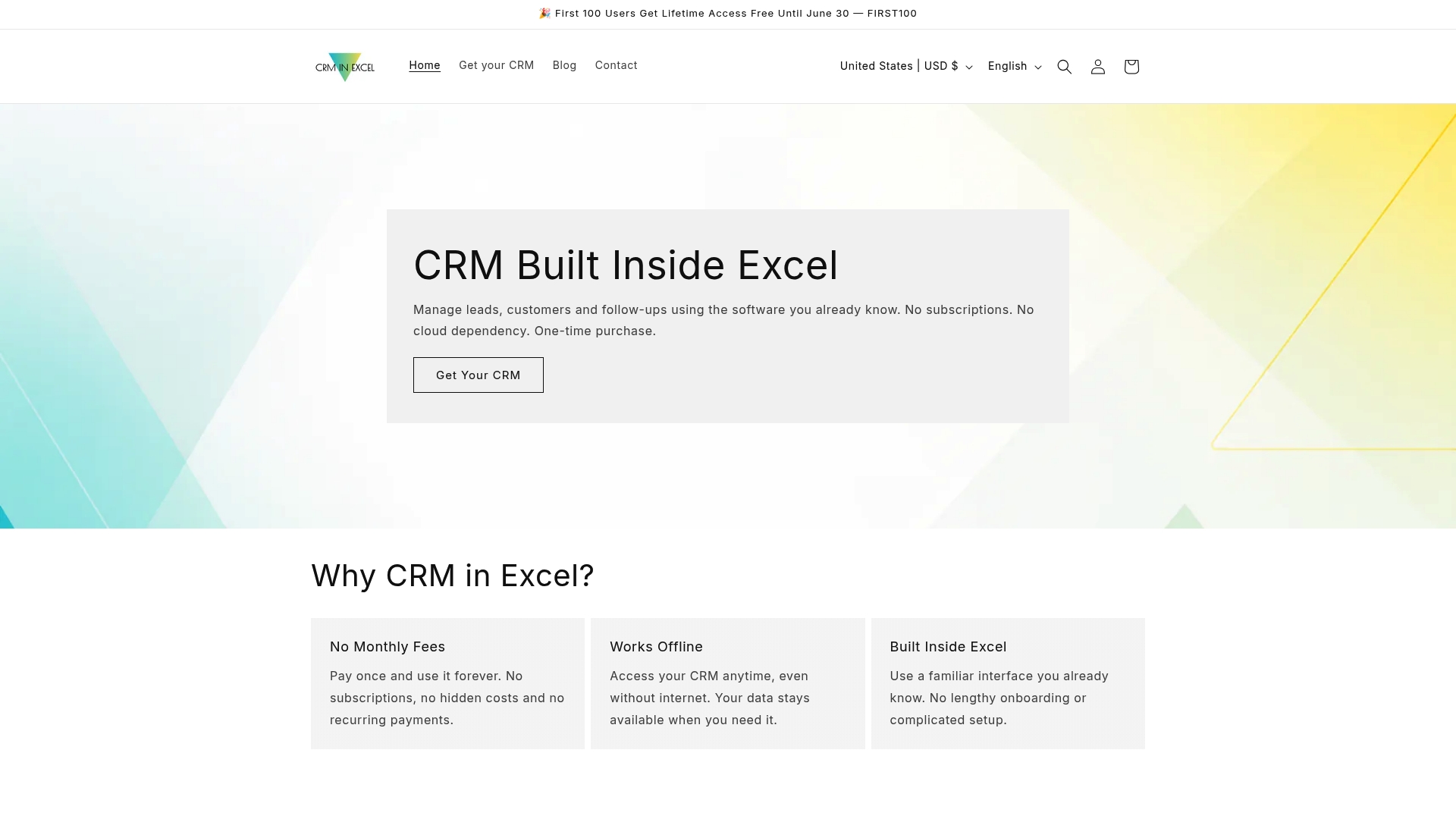
Supports up to 10,000 customer records. Runs entirely inside Microsoft Excel and works offline so files remain on your computer. A single purchase removes monthly fees and keeps data ownership local.
Core Features
The workbook includes a CRM dashboard, a customer database, and follow up management tools all inside one Excel file. It provides customizable SMS and email templates, contact scheduling, reminder fields, and a sales pipeline template. The product supports Microsoft Phone Link for faster calls, runs offline, and ships with a step by step setup guide plus an active support community.
Key Differentiator
Built directly inside a familiar spreadsheet and sold as a single purchase, CRM in Excel keeps your CRM files under your control. That design removes ongoing subscription costs and avoids moving sensitive contact data to a cloud vendor. Most teams can adapt the workbook quickly because they already use Excel.
Pros
Pay once and use the workbook indefinitely, which eliminates monthly license fees for small teams. Offline operation gives you direct control of backups and privacy, and the Excel interface shortens the learning curve for people who already use spreadsheets. Templates and manual customization let you adapt the file to different industries, and the step by step guide plus community support helps with setup and ongoing questions.
Cons
- Limited automation. The system does not send messages or emails automatically.
Who It’s For
Small business owners, sales professionals, insurance agents, freelancers, and service providers who want local control over customer data will find the model attractive. Teams that avoid cloud sync and recurring fees will also benefit. Users comfortable editing spreadsheets will adapt faster than users who expect built in automation or API integrations.
Unique Value Proposition
A single purchase of $69.00 USD delivers a full CRM without recurring fees. Because the workbook runs locally in Microsoft Excel and stores files on your device, you keep direct control of contact records and backups. That shifts spending from ongoing licenses to a one time cost and lets you tailor the layout to match your sales process.
Real World Use Case
An insurance agent logs calls, records policy notes, and schedules follow ups in one workbook to track prospects and policies. Keeping the file offline preserves client privacy for sensitive personal data. When a new lead arrives, the agent adds it to the database and moves it through the pipeline template to track next actions.
Pricing
CRM in Excel uses a single purchase model priced at $69.00 USD. There are no recurring subscription fees and the file runs offline on your computer. The workbook supports up to 10,000 records and includes the setup guide plus community support.
Website: https://crminexcel.com
Cubitro
At a Glance
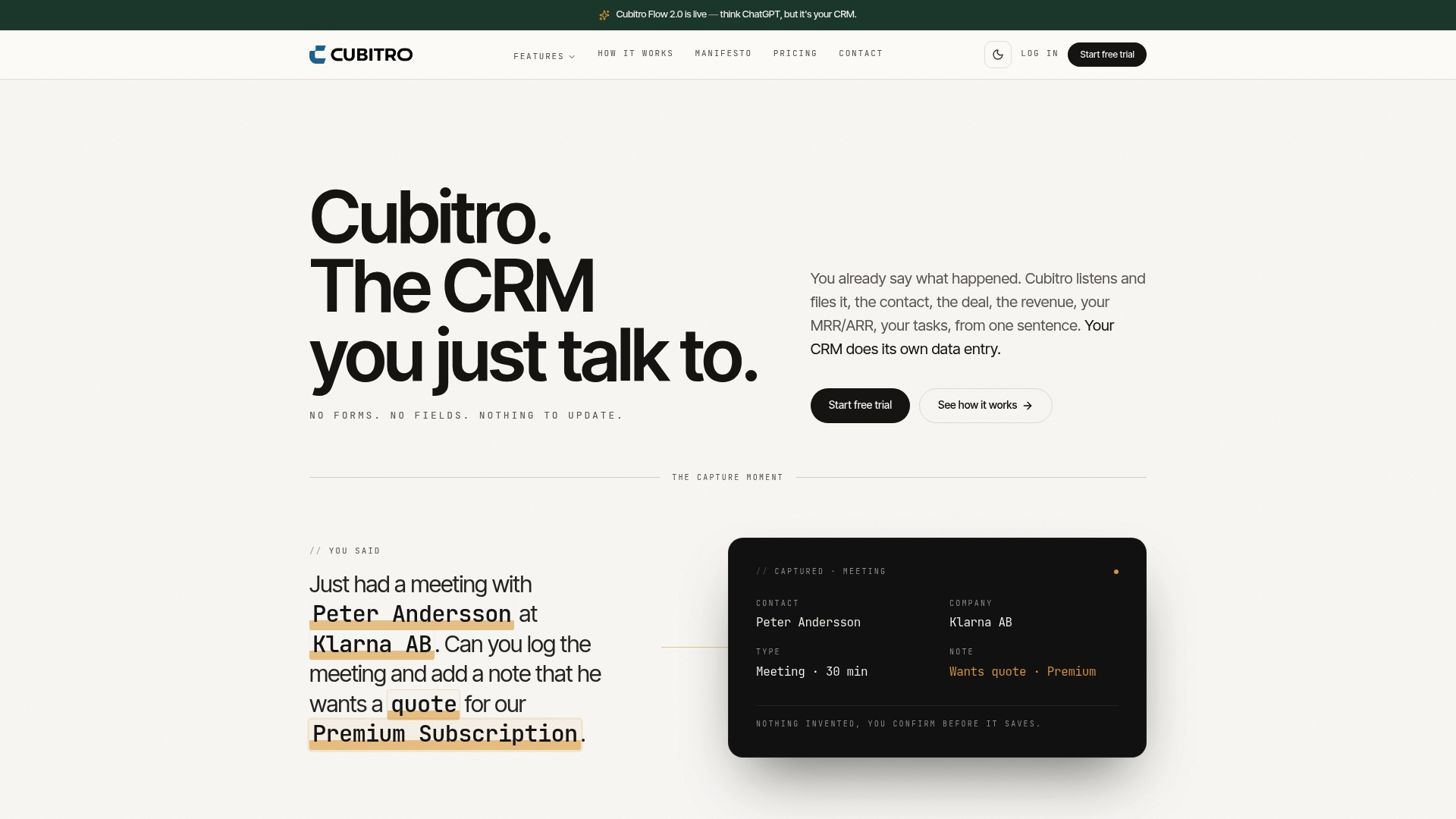
Cubitro generates a quote from a single sentence and sends it as a PDF. It captures spoken or pasted input and turns conversation into CRM records. The interface replaces form fields with chat and voice commands to cut manual entry.
Core Features
Cubitro accepts pasted content and voice input via built in speech recognition, then maps those entries into contact and deal records. You can create quotes with one sentence, automate pipeline updates from natural language, and get revenue reporting such as MRR, ARR, and churn directly from chat actions. The product also includes import tools, team performance dashboards, follow up reminders, and instant querying from conversation.
Key Differentiator
The platform centers on a conversation agent that builds and updates CRM data as you talk or type. That agent removes the need to fill forms manually and learns object mappings from real interactions. The result is a CRM that grows from dialogue instead of traditional record editing.
Pros
The voice and natural language interface reduces typing and lowers data entry friction for sales people. Automatic capture from speech and text keeps records fresher and cuts obvious transcription errors. Real time revenue updates and team ranking displays let managers spot short term trends without exporting spreadsheets. Pricing is simple at a single rate with full access and no feature tiers, and built in import tools handle legacy CRM migration with AI assisted mapping.
Cons
-
Limited public detail on third party integrations makes plugging into complex stacks unclear.
-
Teams uncomfortable with chat or voice first workflows may face a learning curve.
-
Adapting workflows that rely on classic CRM screens could take time and process changes.
-
No explicit public information about offline mode or backup options for local storage.
When It May Not Fit
If your business depends on many external integrations, Cubitro may not fit because integration details are sparse. If your team prefers a visual, form based interface, the conversational model could slow adoption. If you need an offline, one time purchase solution, CRM in Excel may suit you better because it runs inside Excel and avoids monthly fees.
Who It’s For
Sales teams and business professionals who want to reduce manual entry will get the most value. Small to medium sized sales teams and startups benefit from hands free logging and rapid quoting. Sales managers who need near real time pipeline and revenue visibility will find the team ranking features useful.
Real World Use Case
A SaaS sales team uses Cubitro to record meeting notes by voice, generate a quote with one chat line, and send the PDF to a prospect. Managers check MRR and churn figures during stand ups without running reports. The team avoids duplicate entry and spends more time on customer calls.
Pricing
Cubitro costs 49 USD per user per month and offers a seven day free trial. The vendor lists one flat price with no tiers or feature gating and full access for that single fee.
Website: https://cubitro.com
BROSH
At a Glance
A built in no-code app builder lets teams create custom CRM apps inside the platform. BROSH also bundles invoicing, e-signature, project Gantt charts, and marketing automation. Those capabilities make it more than a simple contact manager for SMBs and larger teams.
Core Features
BROSH combines an AI powered business platform with sales pipeline management and lead scoring, plus marketing automation that includes drip campaigns and A B testing. It handles CRM activities such as calls, emails, notes, tickets, and offers data deduplication and mass actions. The product also includes invoicing, quotes, e-signatures, project management, LinkedIn and social integrations, and cross device support.
Key Differentiator
BROSH unites marketing, sales, and service teams on one platform while adding a no-code environment for custom apps. The platform layers automated workflows and AI enhanced processes on top of core CRM features. That mix targets teams that want both automation and the ability to tailor workflows without code.
Pros
The vendor advertises a large user base across 35+ countries. That global reach comes with support resources and client examples in several markets. BROSH offers strong automation and AI features that reduce manual work and speed routine tasks. Cross device apps let reps update pipelines from mobile, tablet, or desktop. The no-code builder lets small teams convert a repetitive workflow into a custom app without hiring a developer.
Cons
-
Pricing may be high for very small teams. The feature set feels like an enterprise stack for some budgets.
-
New users face feature overload. The wide array of tools may require deliberate onboarding and training.
-
Advanced automation and AI functions take time to master. Teams without prior automation experience will need learning resources.
When It May Not Fit
If your priority is a one time purchase and offline data control, BROSH may not match that model. Small solo operators on tight budgets might find the entry level still heavier than needed. Teams that need only a simple contact list and reminders will likely prefer a simpler product such as Crminexcel for offline use.
Who It’s For
BROSH fits SMBs and larger organizations that want a flexible AI enabled CRM with automation and no-code app building. It suits sales and marketing teams that handle lead scoring, campaign testing, and invoicing within one workspace. IT or operations staff who can build and maintain custom apps will get the most value.
Real World Use Case
A mid sized sales team uses BROSH to automate lead nurturing, run A B tests on drip campaigns, and score incoming contacts. The team generates quotes and invoices, collects e signatures, and tracks projects with Gantt charts. They built a client onboarding app in the no-code builder to standardize data entry across reps.
Pricing
BROSH lists plans starting at $7.99 per user/month for the Starter plan. The vendor offers monthly, annual, and multi year billing with higher tiers that unlock more features and capacity. Contact sales for exact limits and enterprise options.
Website: https://brosh.io
HubSpot
At a Glance
HubSpot’s marketing materials state integration with over 2,000 apps and services. That wide ecosystem supports connections across advertising, email, ecommerce, and collaboration tools. The platform groups marketing, sales, service, content, and data tools under one roof for companies that want a single vendor for core customer workflows.
Core Features
HubSpot combines a CRM with modular Hubs for marketing, sales, service, content, and data management, plus a marketplace of apps and templates. The platform includes AI-assisted automation and insights, including the vendor-branded Breeze tool for task automation and suggestions. Educational resources, case studies, and built-in reporting help teams adopt workflows and measure outcomes.
Key Differentiator
HubSpot packages cross-functional modules so marketing, sales, and support share a single customer record. The AI features aim to reduce manual work for campaign setup and lead routing. That integrated approach suits teams that prefer a single vendor over stitching multiple specialist tools together.
Pros
HubSpot’s marketing materials report proven results with increased leads, deals closed, and improved ticket closure rates. Those reported outcomes make the platform attractive to teams focused on measurable growth. The ecosystem and marketplace enable tailored workflows by connecting popular services. Built-in learning resources and support reduce the friction of adopting new modules. Flexible plan options let small teams start small and larger teams expand into enterprise features.
Cons
- Pricing complexity with many tiers and add-ons can confuse buyers evaluating total cost.
- Setup and integration for advanced workflows can take significant time and internal resources.
- Advanced features require dedicated onboarding and training for nontechnical teams.
- Costs can rise rapidly for extensive use across many seats and modules.
When It May Not Fit
If you need a low-cost, one-time purchase, HubSpot may not match that budget profile. Teams that prefer single-purpose niche tools for specialized workflows may find HubSpot overly broad. Organizations with limited implementation bandwidth should avoid advanced automation until they can allocate training time.
Notable Integrations
HubSpot connects to widely used platforms such as Gmail, Shopify, and Zapier. It also integrates with Mailchimp, Google Ads, Slack, Microsoft Teams, and LinkedIn. That mix supports email, commerce, ad management, and team collaboration without custom development.
Who It’s For
Small to large businesses that need an all-in-one CRM and marketing automation platform will find HubSpot compelling. Sales professionals who want unified contact records and reporting benefit from shared data across teams. Marketing teams that run multi-channel campaigns gain from built-in automation and analytics.
Real World Use Case
A mid-sized SaaS vendor automates lead scoring and nurture campaigns while routing support tickets into a single queue. The result is faster qualification and shorter response times for customers. Sales and support teams use the shared CRM record to keep deal context and customer history aligned.
Pricing
Pricing is not applicable in this section. HubSpot offers multiple tiers and add-ons, and costs depend on which Hubs and seat counts you choose. Buyers should review vendor pricing pages and request quotes for exact figures.
Website: https://hubspot.com
Close.com
At a Glance
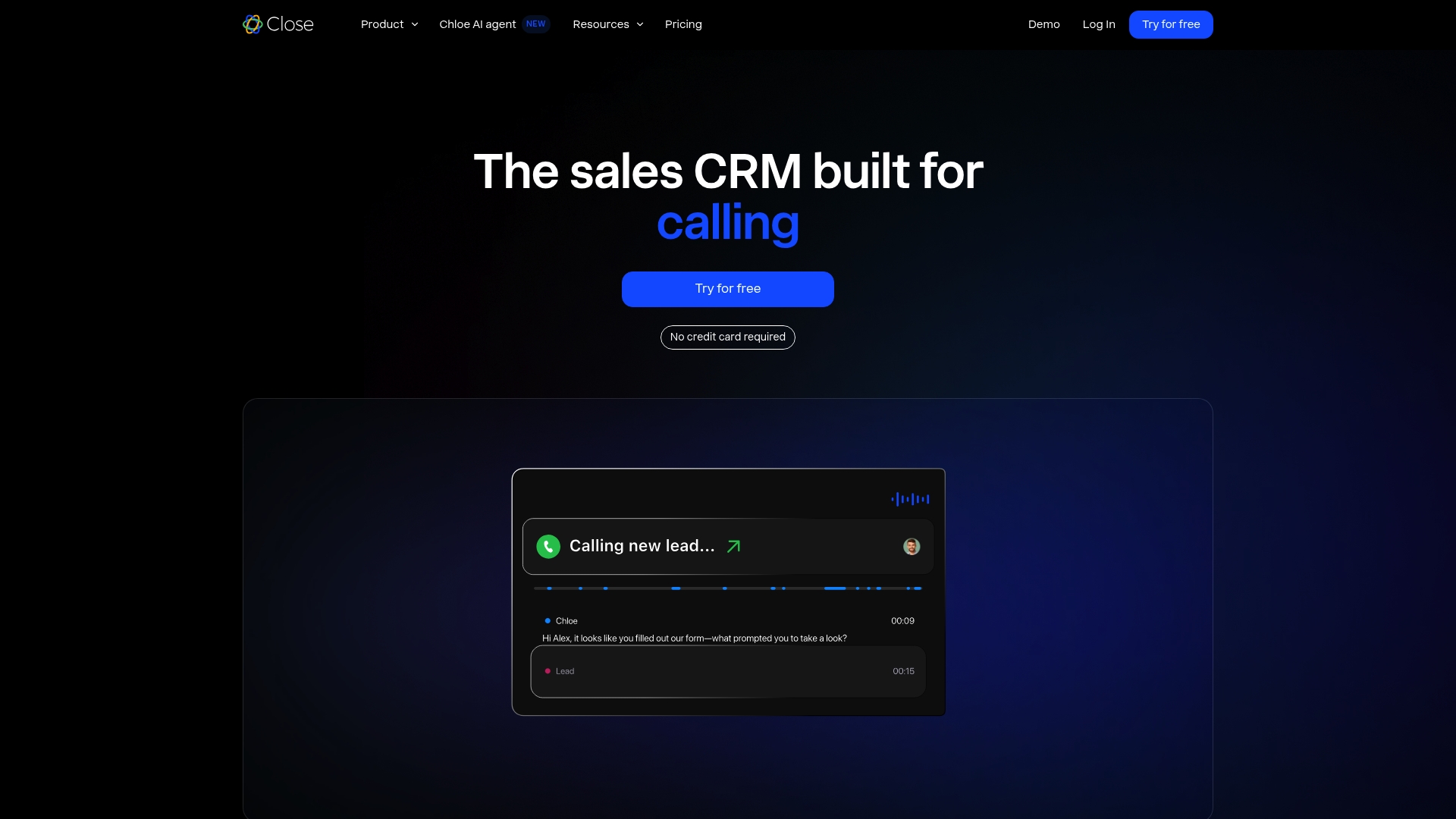
Chloe, Close’s AI sales agent, calls leads, qualifies them, books meetings, and updates CRM records automatically. The platform combines email, calling, and SMS into a single unified inbox and includes a built in power dialer for high volume outreach. The vendor advertises a 4.7 G2 rating and reports more than 11,500 sales teams using the product.
Core Features
Close groups sales communication and activity tracking into one view, so reps see emails, call logs, and text messages together. The product includes sales automation workflows, native forms to capture leads, reporting and forecasting tools, and a power dialer that reduces manual dialing. The platform also connects to AI models and external tools to extend outreach and automation.
Key Differentiator
Close’s standout feature is Chloe, an integrated AI sales agent that handles early qualification and meeting scheduling inside the CRM. Chloe moves routine outreach off reps’ plates and writes back results directly to contact records.
Pros
Close accelerates rep adoption with focused onboarding and automation that reduces busy work and speeds time to value. The unified communication view keeps email, calls, and SMS in the same feed, which means fewer missed messages and faster follow up. Built in calling tools and AI assisted qualification free salespeople to spend more time closing. That reported team count and rating provide public signals of customer momentum.
Cons
-
Not suitable for teams that need built in proposal generation or product inventory management. These features are not part of the core CRM.
-
Lacks marketing features such as landing page builders and advanced marketing automation tools found in other suites.
-
The product does not include outside sales mapping and routing capabilities for field teams.
When It May Not Fit
Companies that sell physical goods and require inventory tracking or order management will find Close too limited. Marketing teams that need campaign builders, landing pages, or sophisticated nurture sequences should look elsewhere. Field sales groups that require routing, territory maps, or offline navigation will not get those capabilities here.
Notable Integrations
-
ChatGPT
-
Claude
-
WhatsApp
-
Gmail
-
Segment
-
Hubspot
-
Microsoft 365
Who It’s For
Small to medium sized sales teams and startups that need an all in one CRM focused on multi channel outreach and automation. Teams that prioritize calling and conversation driven pipeline work will find the tools aligned with day to day sales activities. Organizations that want AI assistance for qualification and meeting booking benefit most.
Real World Use Case
A small sales team routes inbound leads into Close and uses native forms to capture contact details. Chloe makes initial calls to qualify prospects and books qualified meetings on reps’ calendars. Reps spend less time on outreach and more time on closing the meetings Chloe schedules.
Pricing
Close offers tiered plans starting at $19 per user per month on the Solo plan. Essentials starts at $49, Growth at $109, and Scale at $149 per user per month, with discounts for annual billing and custom plans for larger organizations.
Website: https://close.com
Comparison of alternatives
CRM solutions vary greatly in functionality, target audiences, and price points. Below, we explore some of the best options for small business owners, freelancers, and professionals to consider when seeking alternatives to Pipedrive.com.
Cost and Data Ownership
CRM in Excel leads in providing a low-cost solution, as its one-time payment model of $69 for up to 10,000 records eliminates recurring fees. Additionally, its offline functionality ensures that all client information remains secure under your direct control. In contrast, platforms such as Cubitro or HubSpot adopt subscription pricing, leading to potential long-term costs that could escalate depending on usage.
Automation and Advanced Features
On the other hand, BROSH stands out for its advanced automated features and no-code app builder, empowering businesses to create bespoke workflows without the need for a developer. Sales-focused teams can benefit significantly from Close.com, particularly with its standout feature of integrated AI functionality for lead qualification and scheduling automation directly within its CRM environment.
Best fit
- Local data storage and cost-conscious users: Choose CRM in Excel, which offers CRM capabilities without recurring subscription fees, ensuring complete control over your data.
- Teams desiring AI-driven automation: Consider Cubitro, which excels with natural conversational interfaces for CRM record management.
- Businesses needing advanced customization: Opt for BROSH, which offers superior workflow management through no-code custom solutions and built-in automation.
- Companies preferring integration capabilities: Select HubSpot, known for its integrations with over 2,000 apps and detailed cross-functional workflows.
- High-contact sales teams requiring communication tools: Go for Close.com, notable for its unified communication view and AI-powered assistance features.
Our pick
CRM in Excel emerges as our top recommendation due to its cost efficiency and the complete ownership of customer data. The platform’s operation within Microsoft Excel offers familiarity and ease of use for small teams, reducing transition challenges. However, for teams needing higher volumes of data insights and automation, BROSH offers significant advantages through its powerful built-in tools and scalable environment.
CRM in Excel is defined by its simplicity and affordability as a fully offline CRM solution.
| Product | Key Differentiator | Price | Best For | Notable Limitation |
|---|---|---|---|---|
| Crminexcel | Excel-based CRM with local data control | $69.00 USD | Freelancers, insurance agents | Limited automation |
| Cubitro | AI-driven conversational CRM entry | $49.00 USD per month | Sales teams prioritizing voice input | Sparse integration details |
| BROSH | No-code app builder for custom workflows | $7.99 USD per month | Medium-sized teams with digital needs | Feature complexity for new users |
| HubSpot | Integrated modular CRM and marketing tools | Price not published | Organizations requiring diverse apps | Pricing complexity |
| Close.com | Chloe AI for lead qualification and booking | $19 USD per user/month | Teams focused on outreach automation | No marketing campaign tools |
What Challenges Do Pipedrive.com Alternatives Solve for Your CRM Needs?
Small business owners, freelancers, insurance agents, consultants, and service providers often lose leads or forget follow-ups due to complicated CRM tools. Crminexcel offers a simple, affordable alternative that works offline inside Microsoft Excel. It avoids monthly fees and cloud storage, giving you full ownership of your customer data while helping you manage leads, reminders, sales pipelines, and customer records in familiar spreadsheet software.
If you want a privacy-focused CRM solution without subscription costs, check out how Crminexcel fits your needs. Start managing your contacts, appointments, and sales pipelines easily with a one-time purchase that helps stop missed sales opportunities and wasted time.
FAQ
How does Crminexcel handle customer data management?
Crminexcel supports up to 10,000 customer records and runs entirely offline. This means your files and sensitive customer data remain on your computer, giving you full control over your information. You can expect a straightforward setup that allows you to manage customer data privately and effectively.
What is the difference between Crminexcel and Cubitro?
Cubitro excels in its voice command and chat-based interface, making it unique for those who prefer natural language input for CRM tasks. Crminexcel, on the other hand, is ideal for users seeking local control without ongoing fees, as it requires only a one-time purchase and operates solely within Microsoft Excel.
Can I easily customize Crminexcel for my specific business needs?
Yes, Crminexcel provides customizable SMS and email templates, along with manual customization options for different industries. This flexibility allows you to tailor the CRM to fit your specific sales process and communication style. Expect an easy setup that encourages personalization of features.
Who should consider using Crminexcel for their CRM needs?
Small business owners, freelancers, service providers, and sales professionals looking for local control over customer data will find Crminexcel appealing. It’s particularly valuable for those focused on avoiding cloud vendors and ongoing subscription costs. This makes it a practical choice for users who want to manage customer relationships efficiently.
What are the main benefits of using Crminexcel compared to cloud-based CRMs?
Crminexcel offers a one-time cost of $69.00 USD, eliminating monthly fees associated with cloud-based solutions. It also allows you to maintain direct control of your contact records and backups, catering to users who want to avoid ongoing expenses and prioritize data security.