

Top 6 monday.com Software Alternatives 2026
Losing sales to forgotten follow ups, scattered lead records, and duplicate client data is an all too common outcome when your CRM cannot keep up or demands high monthly fees. Many popular systems lock essential integrations, local data storage, or advanced reporting behind expensive subscriptions or make onboarding so complex that smaller teams fall behind. This comparison breaks down pricing models, offline options, ease of use, and core features across six customer relationship management software so you can pick a CRM that protects your pipeline and budget without long-term contracts.
Table of Contents
- CRM in Excel
- Insightly
- Crux Ops CRM
- Comma5 CRM
- Webson
- Planyway
- Comparative Analysis of CRM Solutions
CRM in Excel
At a Glance
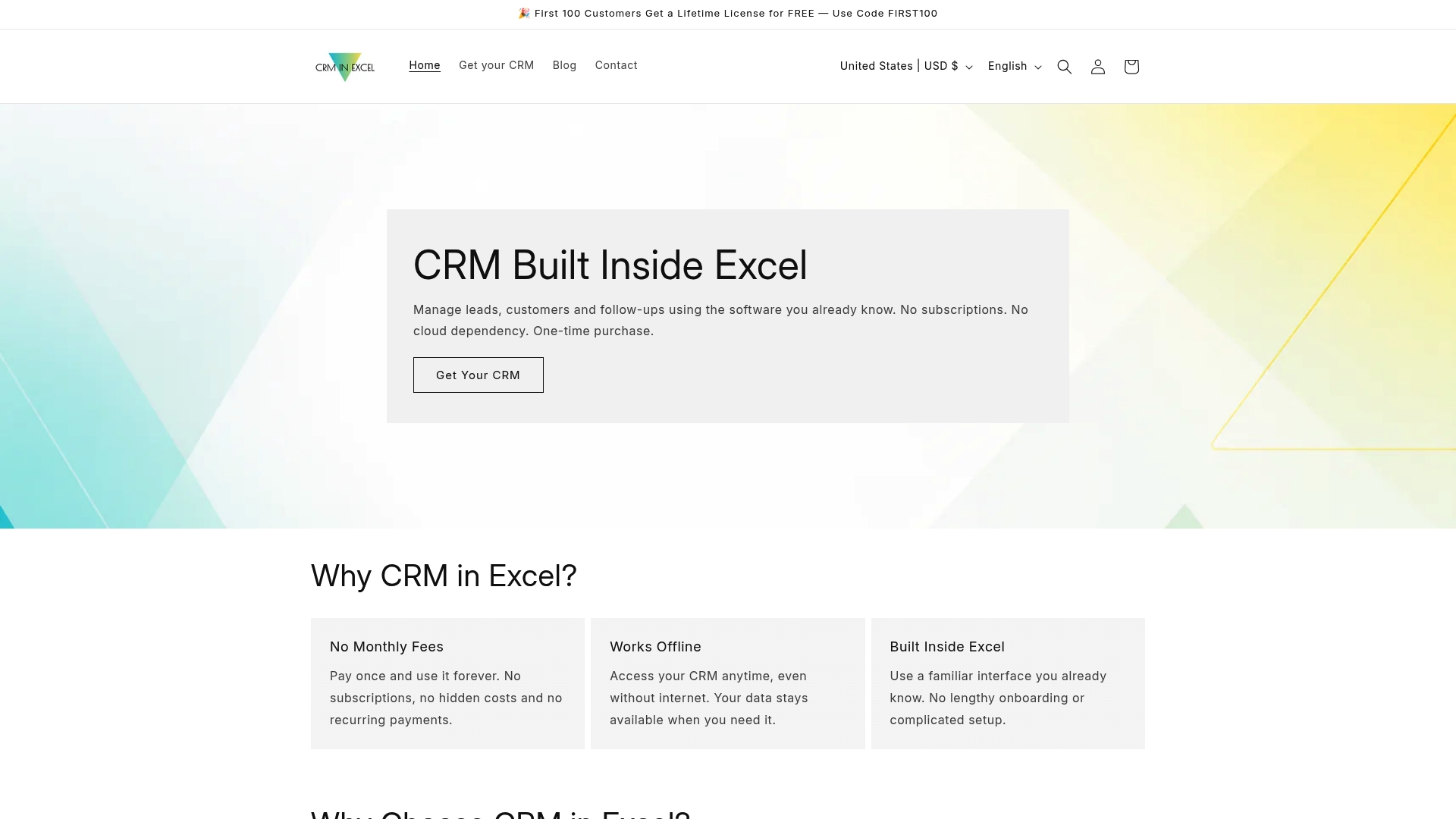
Handles up to 10,000 customer records across two separate databases for Leads and Cold Leads, keeping large contact lists inside a single Excel file. The system runs offline, requires a one-time purchase, and stores your data locally so you keep complete control.
Core Features
- Built inside Microsoft Excel so the interface and formulas behave like the spreadsheet you already use.
- Dual databases for Leads and Cold Leads, with search, filter tools, and basic report generation.
- Daily work planner and follow-up reminder system to track scheduled calls, meetings, and activity statuses.
- Customizable SMS and email templates, contact history logging, and simple statistics for pipeline visibility.
Key Differentiator
The product is delivered as an Excel workbook that you run on your computer, not a cloud app. That design combines native Excel customizability with local storage and a single, nonrecurring payment model rather than subscription billing.
Pros
-
One-time purchase: Pay once and keep using the workbook without monthly fees, which lowers long-term costs for solo operators and small teams.
-
Offline operation: Your data stays on your machine. No cloud dependency reduces exposure to recurring hosting costs and central service outages.
-
Familiar Excel interface: Because it uses Excel, setup time is short and training needs are minimal for anyone already comfortable with spreadsheets.
-
Full data ownership: Files live on your disk, making backups and exports straightforward and transparent.
-
Supports customization to match your workflow by editing sheets, columns, and templates inside Excel.
Cons
- Requires basic Excel skills and does not include automated email or SMS dispatch; users who need heavy automation or native integrations will need additional tools.
Who It’s For
Small business owners, solo consultants, insurance agents, and freelancers who prefer local control over client data and want to avoid recurring CRM subscriptions. It fits teams that prioritize simplicity and cost predictability over automated workflows.
Unique Value Proposition
A single $70 USD purchase buys a fully functional CRM that runs inside Excel and never bills you again. That one-time price converts subscription spending into a single capital expense and keeps your client list under your direct control.
Real World Use Case
An insurance agent keeps client records, notes, and follow-up dates in the Leads sheet, uses the daily planner to schedule calls, and generates simple pipeline reports each month. The workbook replaces scattered spreadsheets and avoids ongoing subscription bills.
Pricing
A single purchase priced at $70 USD. There are no recurring fees, and the license delivers the Excel workbook for offline use with local data storage.
Website: https://crminexcel.com
Insightly
At a Glance
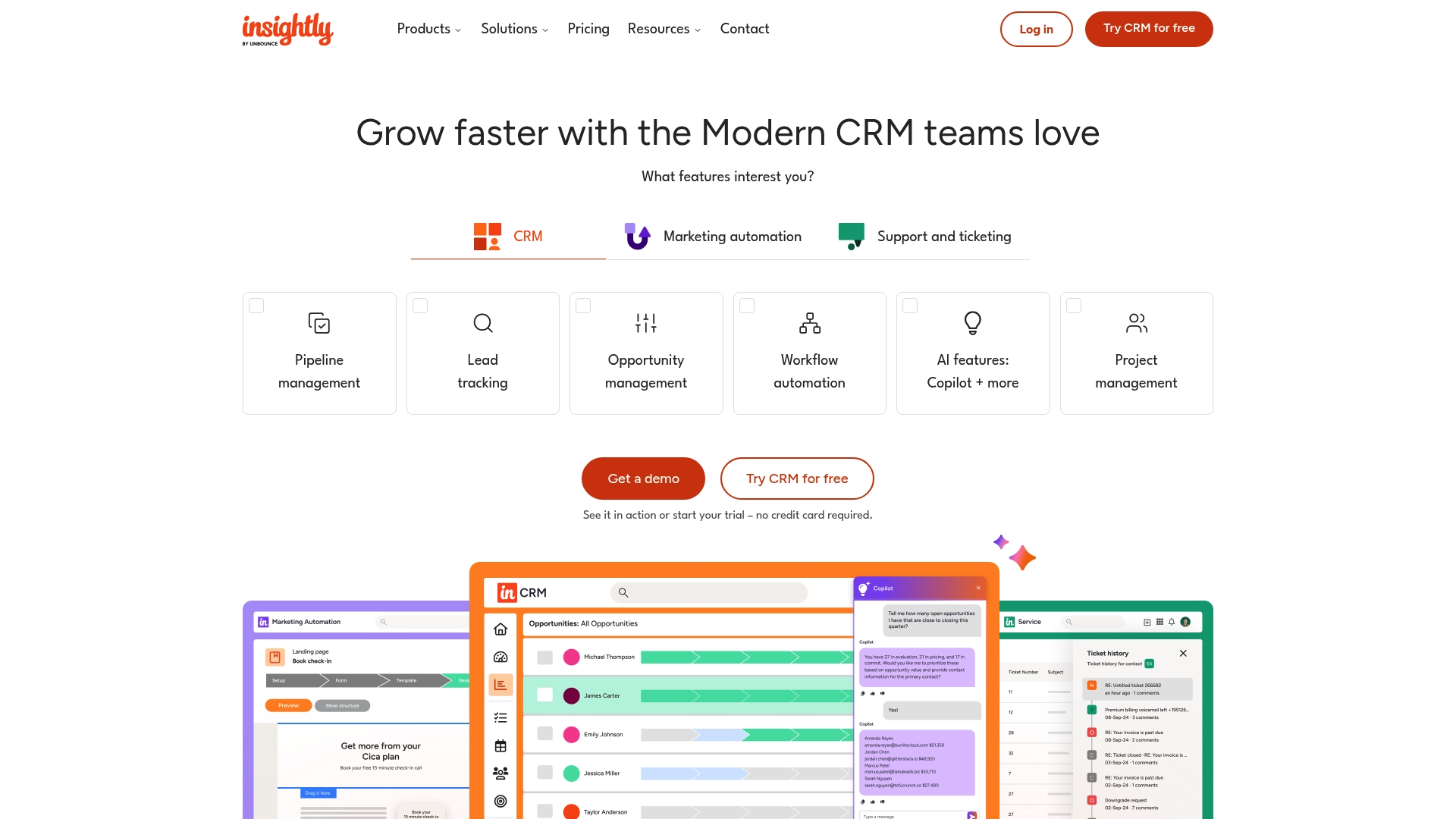
Flexible object linking paired with an intuitive pipeline view is Insightly’s clearest selling point and it shows in day-to-day navigation for sales reps. User reviews on G2, Capterra, and Trustpilot also flag pricing and support as recurring pain points.
Core Features
Insightly centres on pipeline management and the way records relate to each other. Key capabilities include:
- Intuitive sales pipeline management for visual deal stages and quick updates.
- Strong, flexible object linking so contacts, opportunities, and projects connect cleanly.
- Responsive web interface that runs well in modern browsers.
- Lead qualification tools and a straightforward initial setup to get teams moving fast.
Key Differentiator
The combination of flexible object linking with a user-friendly pipeline makes linking related records simple without heavy customization. That design reduces the time sales teams spend hunting for context and helps small teams keep account histories readable across deals.
Pros
- Quick onboarding. The initial setup simplicity gets reps into the CRM and entering data the same day.
- Lead qualification tools filter and score prospects without adding complexity to the pipeline process.
- Clean mobile and desktop web design. The responsive interface keeps field teams productive on phones and laptops.
- The object linking model prevents duplicate effort by making relationships between contacts, opportunities, and projects explicit.
- Reasonable balance of features for SMB sales workflows when deep enterprise automation is not required.
Cons
- Users report that pricing is high relative to the feature set, which affects budgets for small teams.
- Customer support quality is inconsistent and sometimes slow, according to multiple third-party reviews.
- Email integration requires manual setup and can be brittle, which adds overhead to daily workflows.
- Advanced reporting falls short for teams that need complex cross-object analytics or custom reports.
When It May Not Fit
If you need consolidated, automated email syncing or heavy-duty reporting, Insightly’s limitations above will slow you down. For teams that prefer a one-time purchase, local data control, and an ultra-simple CRM built inside Excel, consider Crminexcel as an alternative that avoids monthly fees and cloud dependency.
Notable Integrations
- Email platforms (manual setup).
The product relies on manual email connections rather than a broad set of turn-key syncs, so expect IT time to get mailbox syncing reliable.
Who It’s For
Small to mid-sized sales teams that want a readable pipeline, straightforward setup, and relational record linking without hiring a full-time CRM admin. Not ideal if your sales process depends on advanced analytics or enterprise-scale email automation.
Real World Use Case
A mid-sized sales organization uses Insightly to centralize account notes, link multiple contacts to a single opportunity, and track pipeline stages. Reps appreciate the ease of entering activity, but reporting the quarterly revenue mix still requires exports and spreadsheet work.
Pricing
User feedback consistently describes Insightly as having higher pricing compared with the features offered. Prospective buyers should compare license costs against the support and reporting trade-offs before committing.
Website: https://insightly.com
Crux Ops CRM
At a Glance
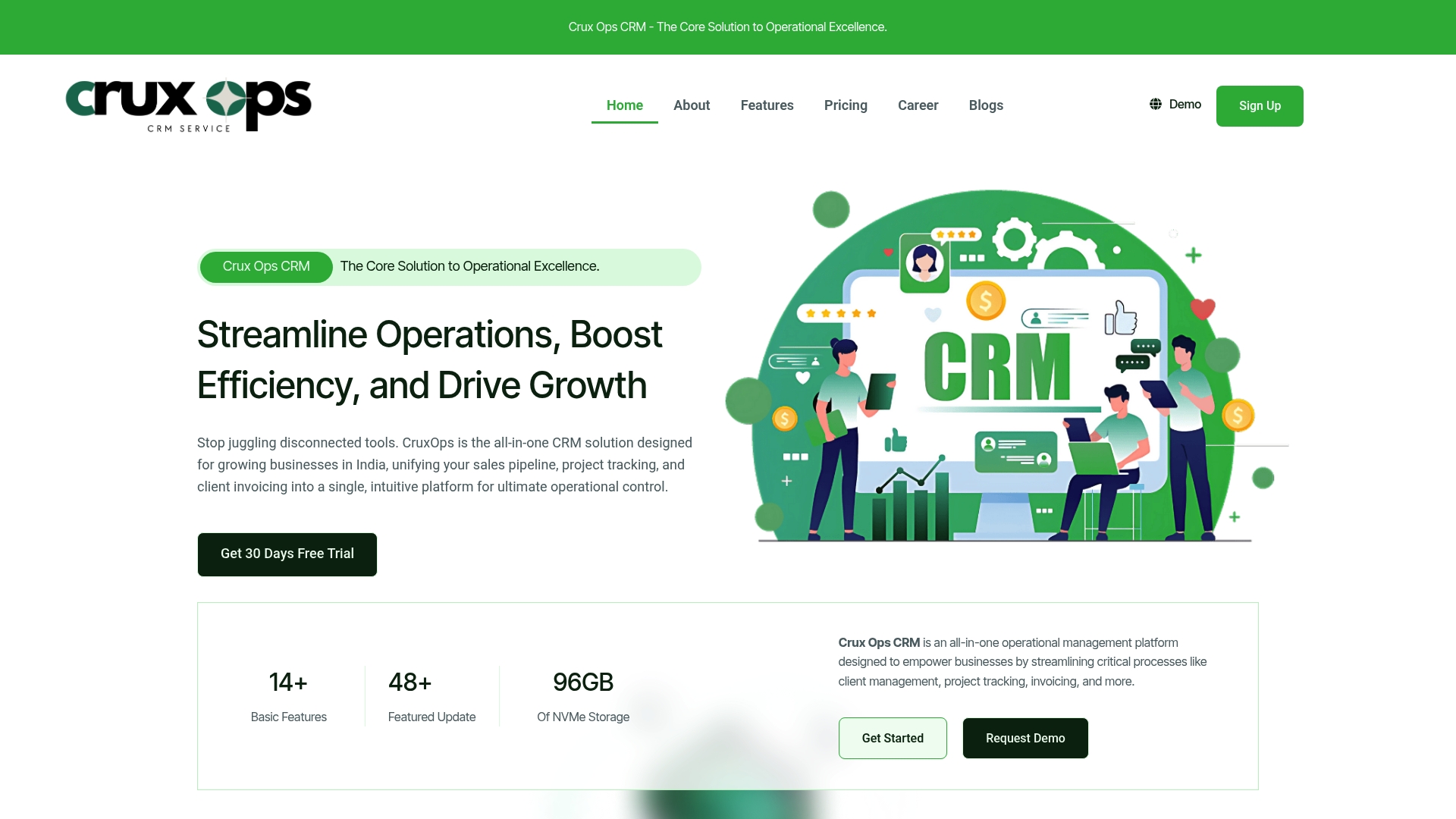
The vendor reports being trusted by over 1,000 businesses worldwide, a claim that underpins Crux Ops CRM’s push as an all-in-one operations tool for growing teams. It bundles CRM, projects, invoicing, proposals, and analytics into a single interface aimed at teams in India and beyond.
Core Features
- Client management with unified profiles and complete communication history for each account.
- Sales pipeline tracking that includes automation, activity logging, and lead stages.
- Project management with timelines, milestones, resource planning, and dependencies.
- Task and collaboration tools with priorities, recurrences, and shared calendars.
- Proposal builder, estimates with multi-currency support, automated invoicing, digital contracts, timesheets, and customizable dashboards.
Key Differentiator
Crux Ops CRM’s main claim is combining CRM, project management, billing, and analytics in one product so teams avoid stitching multiple apps together. That single-pane approach can cut context switching for agencies and service firms that now juggle separate sales, project, and finance tools.
Pros
- The integrated feature set reduces the number of separate subscriptions you must manage, which simplifies vendor relationships and invoice reconciliation.
- An interface described as user friendly helps nontechnical staff adopt workflows faster and reduces admin friction.
- Automation for pipeline and billing saves repetitive work when set up correctly and can speed invoice delivery.
- Multiple plan tiers give options for storage, users, and feature controls so growing teams can choose a match to budget and scale.
- The vendor-reported customer base above provides some third-party validation for small vendors evaluating market fit.
Cons
- Several users report disorganized communication and follow-up problems, a pattern that raises concerns about account management and responsiveness.
- Some customers say service management and performance fall short of expectations, which can affect mission-critical workflows.
- Rapid feature releases and advanced automation increase onboarding time and require formal training for teams to use features reliably.
When It May Not Fit
If you need instant, high-touch vendor support or a product that works out of the box with minimal training, Crux Ops CRM may strain internal resources. Teams that lack a plan for onboarding automation risk wasted time and partial feature adoption.
Who It’s For
Growing small and medium-sized businesses, agencies, and service providers that want to consolidate sales, projects, and billing into one product. If you prefer a one-time, offline CRM with no monthly fees, consider Crminexcel as a simpler privacy-focused alternative.
Real World Use Case
A digital marketing agency uses Crux Ops CRM to funnel leads into a sales pipeline, convert them with interactive proposals and e-signatures, run projects with milestones, and issue recurring invoices. That combined flow reduces handoffs and speeds cash collection.
Pricing
Pricing tiers run from ₹1,499/month up to ₹14,499/month with annual upfront payment required for listed plans. Multiple tiers are available to match team size and feature needs, so compare included users, storage, and automation limits when evaluating.
Website: https://cruxops.com
Comma5 CRM
At a Glance
Pricing starts at $130 per month for five users with support included. Comma5 CRM advertises suitability for teams from five to 500 plus users and offers a 30 day free trial so you can test core workflows before committing.
Core Features
-
Contacts Management — secure, searchable, and segmentable contact database for customer lists and targeted follow ups.
-
Sales Management — lead tracking, quotations, and order conversion tools that move opportunities through a visible pipeline.
-
Service Desk — ticketing, workflow automation, and SLA tracking to keep support requests under control.
-
Automated notifications and workflows to reduce manual handoffs and repetitive tasks.
-
Built in analytics and reporting for performance visibility and maintenance steering.
Key Differentiator
Comma5 CRM combines sales, contact records, and service desk features in a single cloud product that you expand modularly as needs change. That one platform approach makes it easier to avoid stitching separate tools together when you want both support tracking and sales pipeline management.
Pros
-
Improves maintenance workflows and work order management, according to third party reviews, with reporting that helps guide performance decisions.
-
The interface is approachable and modules are configurable, so teams can start small and add apps as they grow.
-
Cloud access means your team can work from any location without complex VPN setups.
-
Supports integrations with email, SMS, and common productivity services so communication and notifications travel where your team already works.
-
Regular product updates are reported in external reviews, which helps keep the platform current without long upgrade projects.
Cons
-
Initial setup can be difficult and some sections present a steep learning curve for users without prior CRM experience.
-
Support often relies on community resources and response times from vendor channels can be slow, according to user reports.
-
Always online operation means teams with unreliable connectivity will struggle to use the system effectively.
-
Base price covers five users but customization and training typically incur extra fees.
When It May Not Fit
If you need hands on vendor onboarding or a white glove implementation partner, Comma5 CRM may not meet that requirement because support leans on community forums. If your team must work offline or you lack CRM experience, the initial configuration could slow adoption.
Who It’s For
Small and medium sized businesses that want an integrated CRM for sales and service without buying separate point products. Good for operations that value configurable modules and cloud access, and for teams willing to own setup or budget for professional onboarding.
Real World Use Case
A regional company consolidates customer data into one system, automates quotations into orders, and routes support tickets to service teams. That consolidation reduces duplicated records, shortens response times, and centralizes reporting for sales and maintenance leaders.
Pricing
From $130 per month for five users with support included. Additional services such as customization and training are quoted separately. A 30 day free trial is available to test the platform before purchase.
Website: https://comma5crm.com
Webson
At a Glance
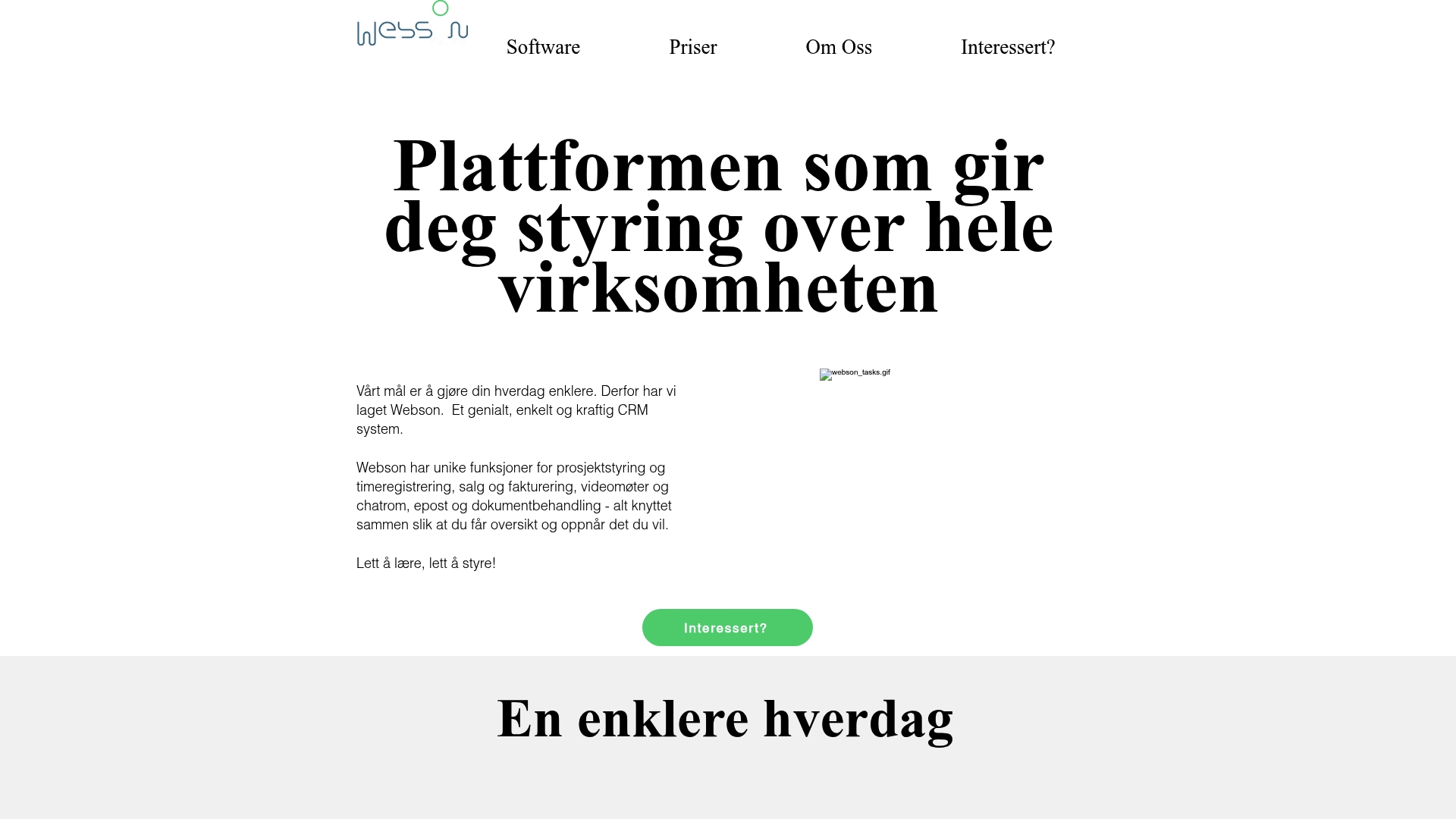
Webson gathers project management, time tracking, invoicing, video meetings, chat, email, and document handling into a single interface aimed at consultancy and service firms. The vendor cites a customer case where Grunnteknikk improved billing accuracy and on-time delivery.
Core Features
Webson focuses on the common operational needs of consulting shops and service teams.
- Project management and task overview for project planning and progress tracking.
- Time tracking and invoicing that link hours to billable invoices.
- CRM with customer activity logging plus video conferencing, chat, email, and document handling.
Key Differentiator
Webson’s central claim is that all core functions live in one product tailored for consulting firms. That single-interface approach reduces the number of separate subscriptions a small firm must manage and keeps client communication, time capture, and billing closely connected.
Pros
- Easy to adopt. The vendor highlights a user-friendly interface that reduces training time for consultants and project staff.
- Reduces tool count. Combining scheduling, communication, and billing in one place lowers the friction of copying data across apps.
- Real client example. The vendor cites a case with Grunnteknikk that reports improved billing accuracy and project punctuality, which suggests practical gains for service teams.
- Built for consultancies. Feature choices reflect common service workflows such as linked time entries and client-facing communication.
Cons
- Pricing opacity. Public pricing is not available on the site and some informational pages return errors, which makes budget planning difficult.
- Sparse independent feedback. No third-party reviews were found in the provided data, limiting outside validation of claims.
- Unknown scalability and customization. Documentation about advanced features and enterprise scale is limited in the available material.
When It May Not Fit
If you need clear public pricing or detailed product documentation before a procurement decision, Webson may be a poor match. If you need strict offline data ownership or a one-time purchase model, consider an offline option such as CRM in Excel instead. Large enterprises that require granular customization or published SLAs will likely need more evidence of scale.
Who It’s For
Consultancy and professional service firms that want a single app to handle projects, client communication, time capture, and invoicing. Small to mid-sized teams that value simple, integrated workflows over a modular toolchain will find the product aligned with their priorities.
Real World Use Case
The vendor describes a consulting firm using Webson to manage projects, capture employee hours, host client calls, and issue invoices. According to the materials, that configuration led to fewer billing errors and faster invoicing cycles for the case study client.
Pricing
Not publicly listed. The product pages for pricing and some feature details return 404 errors, so the vendor does not publish clear tiered pricing in the provided material. Contact the vendor for current rates and any trial options.
Website: https://webson.no
Planyway
At a Glance
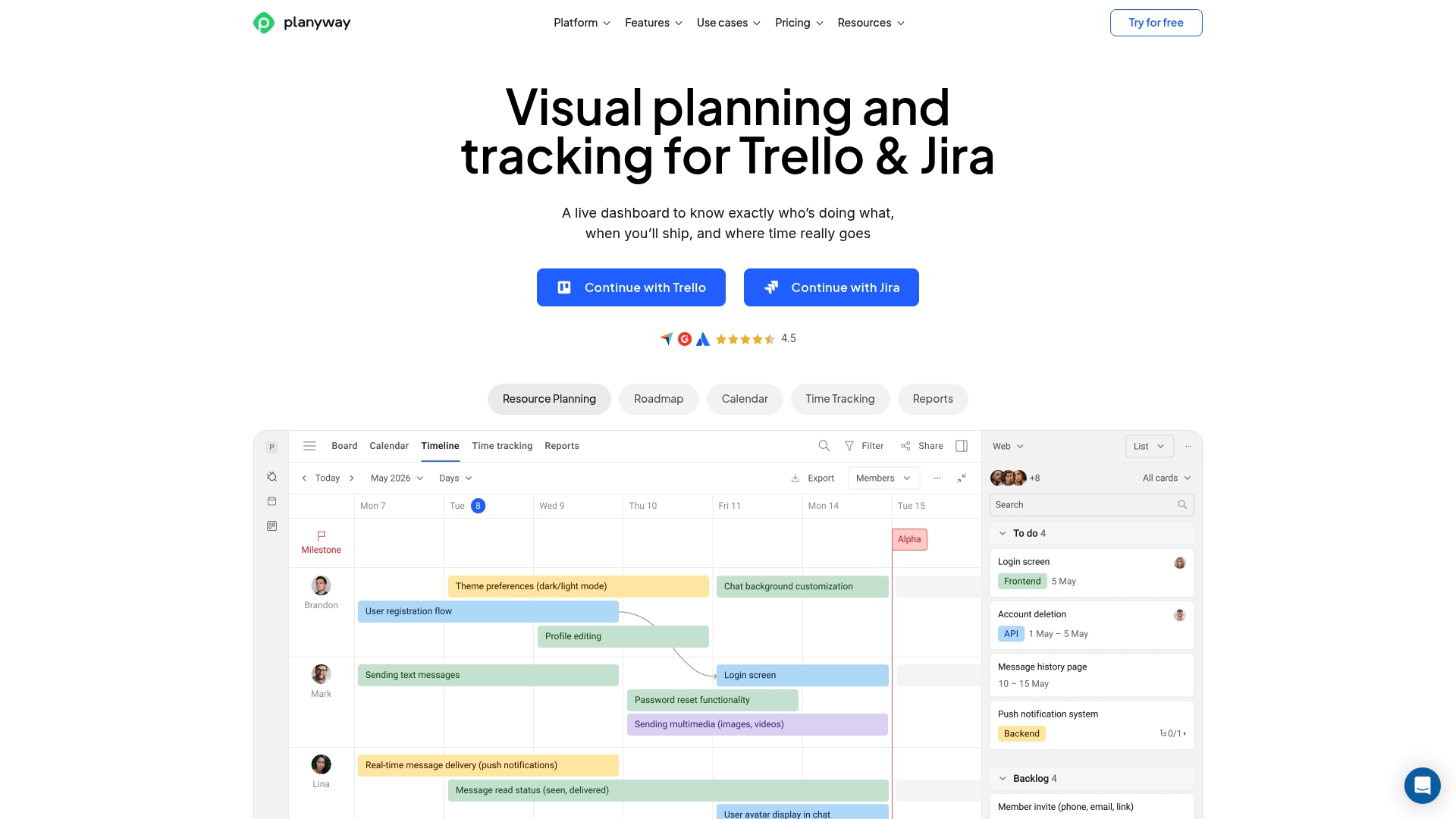
Extends Trello and Jira boards with built-in Gantt timelines, workload balancing, and time tracking so planning and execution live in the same view. The combined timeline and resource features make planning across multiple boards noticeably easier for teams that already use those platforms.
Core Features
- Gantt charts and visual project timelines for multi-board planning.
- Workload balancing and capacity planning to avoid overbooking people.
- Time tracking with reporting that ties hours to tasks and timelines.
- Calendar views for schedules, deadlines, and syncing with external calendars.
- Multi-board grouping, task dependencies, milestones, checklists, and exports to CSV, Excel, PDF, and JSON.
Key Differentiator
Deep integration with Trello and Jira is Planyway’s standout feature. It embeds timelines and resource views into boards you already use, so teams do not rebuild workflows elsewhere. That integration plus native time tracking makes it a focused add-on rather than a full replacement for existing PM systems.
Pros
- Seamless calendar sync keeps deadlines aligned across tools. Google Calendar and Outlook events appear alongside board tasks for clearer personal schedules.
- Drag-and-drop planning is fast. Moving tasks between dates or people updates timelines immediately inside the board context.
- Visual timelines and Gantt views make cross-project sequencing and milestone alignment obvious at a glance.
- Resource management helps avoid double bookings when teams run parallel projects.
- The interface supports many use cases from dev sprints to marketing calendars without reinventing your Trello or Jira setup.
Cons
- Occasional synchronization delays affect the real-time feel when many users edit simultaneously.
- Navigation and some workflows can feel clunky until teams settle into a consistent board pattern.
- Mobile app and responsive behavior are limited, so planning is primarily a desktop task.
- Dashboarding and export options work but are not as powerful as dedicated reporting tools.
When It May Not Fit
If your team needs a standalone all-in-one PM tool with heavy native reporting or enterprise mobile parity, Planyway is not the best choice. Teams without Trello or Jira will miss the main integration advantage. If you require instant sub-second sync across large operations, the occasional delays above could be disruptive.
Notable Integrations
- Trello and Jira for embedding timelines into existing boards.
- Google Calendar and Outlook Calendar for two-way schedule syncing.
- GitHub for basic task linking in development workflows.
Who It’s For
Project managers and teams that already run work inside Trello or Jira and want richer timelines, capacity views, and in-context time tracking. Good for small and mid-sized product, marketing, and operations teams that prefer adding planning power to tools they already use.
Real World Use Case
A software team maps two concurrent release tracks across several Trello boards. They use Planyway to balance developer capacity, visualize inter-release dependencies, and sync sprint deadlines to Google Calendar so product and QA stay aligned for on-time releases.
Pricing
Free tier available for basic use. Paid plans include Plus at $4 per user per month, Team at $3 per user per month, and Enterprise with custom quotes for larger deployments.
Website: https://planyway.com
Comparative Analysis of CRM Solutions
Selecting the right CRM solution is crucial for your business success. Each option offers distinct features and tradeoffs, enabling you to find one that fits your specific needs.
Local Data Control vs. Cloud Accessibility
CRM in Excel excels with local data storage, ensuring full data ownership and negating the need for cloud dependency, which would appeal to users prioritizing privacy and offline functionality. Meanwhile, cloud-based CRMs like Comma5 CRM provide real-time remote access—essential for globally distributed teams but reliant on stable internet.
Pricing Structure Variations
For cost-conscious users, CRM in Excel’s one-time $70 pricing stands out as the most budget-friendly. Alternatively, Insightly and Comma5 CRM use a monthly subscription model providing continuous feature updates—a potential advantage for scaling businesses requiring feature growth.
Best Fit for Your Needs
- CRM in Excel: Opt for this solution when prioritizing cost-effectiveness, offline use, and control over data. Suitable for solo users or small teams comfortable utilizing Excel.
- Comma5 CRM: Best for businesses requiring ongoing cloud-based features with workflow automation and strong sales management tools.
- Crux Ops CRM: Chosen by companies needing an integrative tool that combines CRM functions with project management and billing features.
Our Pick
CRM in Excel provides an easily adoptable platform harnessing Excel’s interface benefits. However, it may not serve enterprises requiring cloud-based collaboration. For these entities, solutions like Insightly might better align with requirements. Overall, CRM in Excel ensures affordability and simplicity in client relationship management for small business setups.
CRM Software Solutions Comparison
This table highlights CRM solutions’ distinct features to help users select the most suitable option for their workflow requirements.
| Product | Key Differentiator | Best For | Pricing | Notable Limitation |
|---|---|---|---|---|
| Crminexcel | Offline use, Excel-based interface | Small businesses prioritizing cost and simplicity | $70 one-time | Requires basic Excel skills |
| Insightly | Flexible object linking and pipeline views | SMB sales teams desiring relational record organization | Not disclosed | Limited advanced reporting and manual email integration |
| Crux Ops CRM | Combined CRM, projects, and invoicing | Agencies consolidating multiple operational tools | ₹1,499–₹14,499/mo | Service support issues reported |
| Comma5 CRM | Integrated sales, support, and analytics | Growing SMBs wanting modular cloud tools | From $130/mo for 5 users | Steep learning curve for setup |
| Webson | Unified project, communication, and invoicing | Consultancies seeking all-in-one solutions | Not disclosed | Sparse independent feedback, pricing opacity |
| Planyway | Trello and Jira integration with timelines | Teams adding Gantt charts to existing boards | Free to $4/user per month | Limited standalone reporting and enterprise mobile support |
Discover a Simple Alternative to monday.com for CRM Needs
If you’re exploring monday.com alternatives, you might be facing challenges like lost leads, forgotten follow-ups, and complicated software pricing. Crminexcel offers a straightforward CRM built inside Microsoft Excel that eliminates monthly fees and cloud dependence. This offline solution gives you total control of your customer data with a one-time purchase, perfect for entrepreneurs, insurance agents, and small business owners who want to organize sales activities without the hassle.
Experience fast setup with familiar Excel tools plus essential features like lead tracking, reminders, and pipeline management. Don’t let complex software slow down your business growth. Visit CRM in Excel and start managing your customers efficiently. Import your existing data and begin tracking your sales pipeline in minutes.
Frequently Asked Questions
What makes Crminexcel a better choice for customer relationship management?
Crminexcel offers a one-time purchase at $70, allowing for full ownership of data without monthly fees. It includes features like customizable SMS and email templates, search, and filter tools tailored to small business needs. For entrepreneurs and consultants looking to minimize ongoing costs, Crminexcel is a practical choice that avoids subscription overhead.
How does Crminexcel compare to Insightly in terms of pricing?
Insightly is frequently noted for its higher pricing relative to the features it provides, affecting budgets for small teams. Crminexcel, on the other hand, requires only a single payment of $70, which eliminates ongoing monthly expenses. If your business aims to maximize budget efficiency while maintaining essential CRM functionalities, Crminexcel is a more cost-effective option.
What specific features does Crminexcel offer that enhance customer management?
Crminexcel runs fully offline and handles up to 10,000 customer records, supporting both leads and cold leads in a streamlined format. It provides essential tools like a daily work planner and follow-up reminders, ensuring that no lead slips through the cracks. This setup is particularly beneficial for small business owners and freelancers who want complete control over their customer data.
Can Crminexcel cater to businesses needing heavy automation?
Crminexcel does not include automated email or SMS dispatch, which may not be sufficient for teams that require complex automation and integrations. Businesses with such high automation needs might consider alternative CRMs like Insightly that better cater to those requirements, while less complex operations may thrive with Crminexcel’s straightforward setup.
How does Crminexcel’s customization compare to other CRM solutions?
Crminexcel allows for customization directly within Excel, which means users can easily modify sheets, columns, and templates to match their workflow preferences. Many competing platforms may offer higher-level customization, but Crminexcel’s user-friendly Excel interface provides a unique advantage for those familiar with spreadsheets and wanting quick adjustments without extensive training.